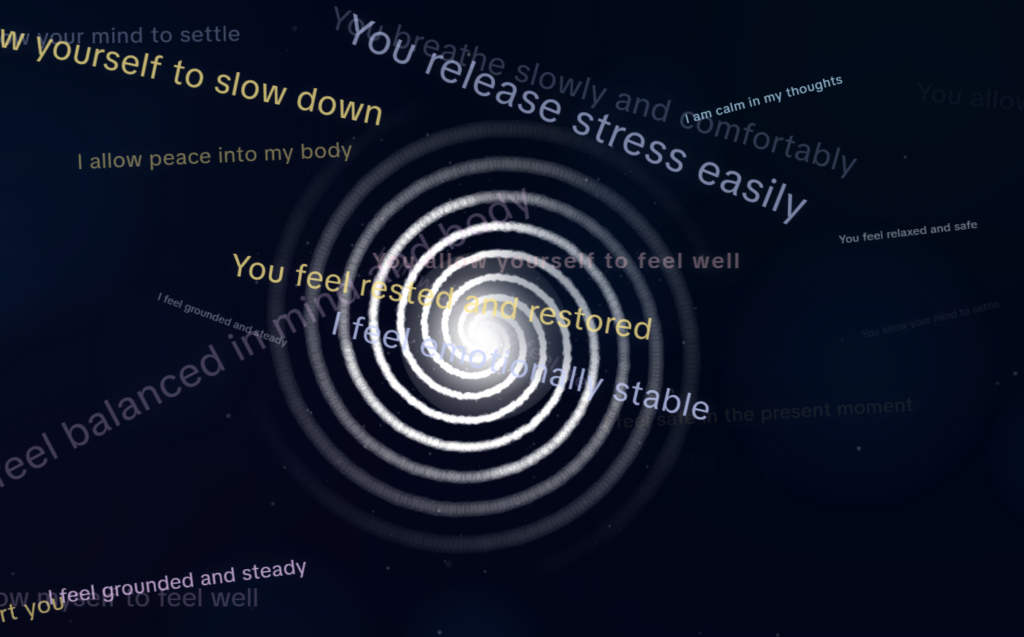
One of the newest features in Subliminal Engine is the ability to upload your own MP3 and use it directly inside your session.
That might sound simple at first, but it changes a lot.
Instead of relying on someone else’s subliminal audio, you can now use your own affirmations, your own voice, your own edited tracks, or any MP3 you already trust. That means more control, more flexibility, and less guesswork. You are no longer stuck hoping a random subliminal online matches your goal. You can build it properly around what you actually want.
That is really the bigger idea behind Subliminal Engine as a whole.
It was built to be more than just a place to play subliminals. It is designed to be an all-in-one subliminal web app where you can create your own sessions, customise them fully, and stop depending on other people to make them for you.
Everything in One Place
A lot of people who are into subliminals end up piecing together their setup across different apps, websites, downloads, and audio tools. One place for affirmations. Another for visuals. Another for background sound. Another for editing. Another for storing files. It gets messy fast.
Subliminal Engine was built to bring all of that into one place.
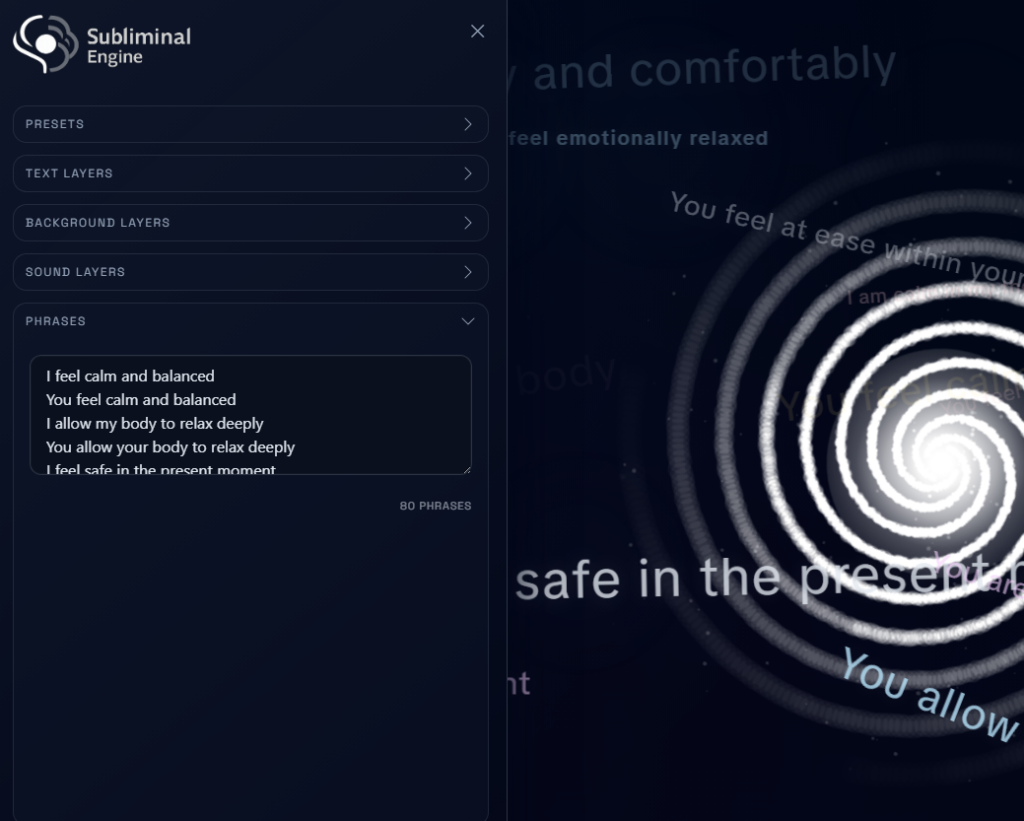
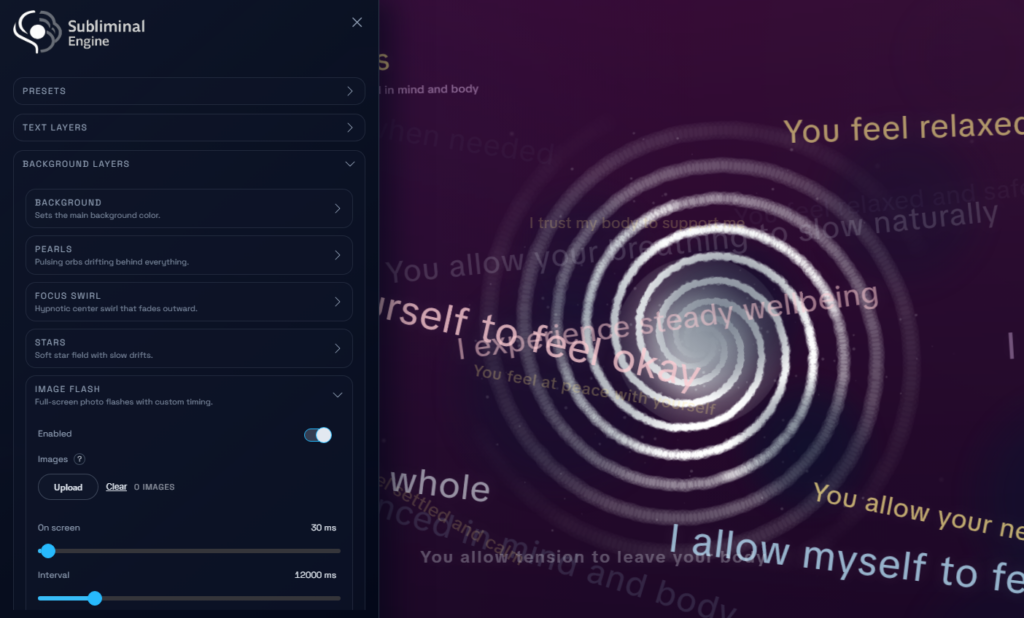
You can build a full subliminal or manifestation session inside your browser using layered visuals, text-based subliminal elements, ambient audio, binaural beats, custom phrase lists, image flashes, and now your own uploaded MP3 audio too.
It is the kind of tool that gives you proper control without making the process complicated.
What You Can Do Inside Subliminal Engine
Subliminal Engine includes a full set of visual, text, audio, and session-building features so you can shape sessions around your own style and goals.
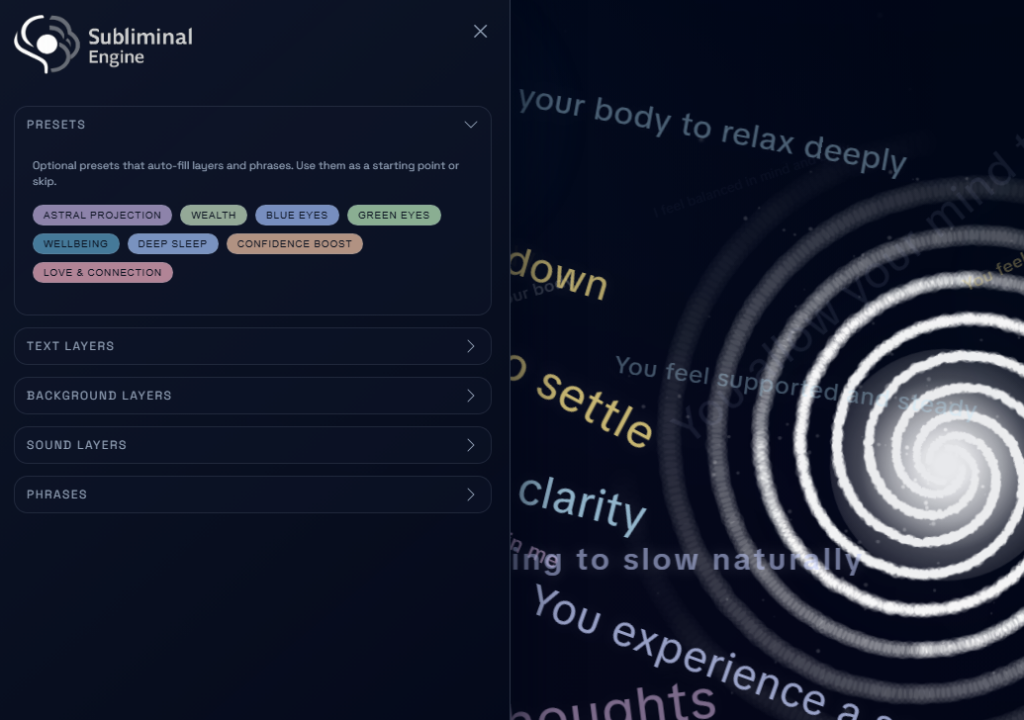
You can create custom phrase lists, load built-in presets, reset back to a default setup anytime, and fine-tune how each layer behaves. That includes background visuals, moving text, quick flashes, drifting affirmations, ambient sound, binaural beats, image flash sequences, and your own custom audio.
The free version already includes the core visual layers, ambient audio, built-in presets, account access, and session creation tools. Premium unlocks the more advanced features for people who want unlimited use and deeper customisation.
Core Features
Here is what the app currently includes:
Session building and control
Custom phrase lists
Built-in presets
Import and export full sessions
Visual and background layers
Background colour layer
Pearls layer with pulsing orbs
Focus Swirl
Stars background
Text-based subliminal layers
Floating Phrases
Static Flashes
Sweeping Text
White Flash
Audio layers
Ambient sounds such as Waves, Rain, and Fireplace
Binaural Beats Generator – Build your own beats from scratch
Custom Audio upload for your own MP3 files
Image-based layer
Image Flash with support for up to 10 uploaded images on Premium
Why the Custom MP3 Feature Matters
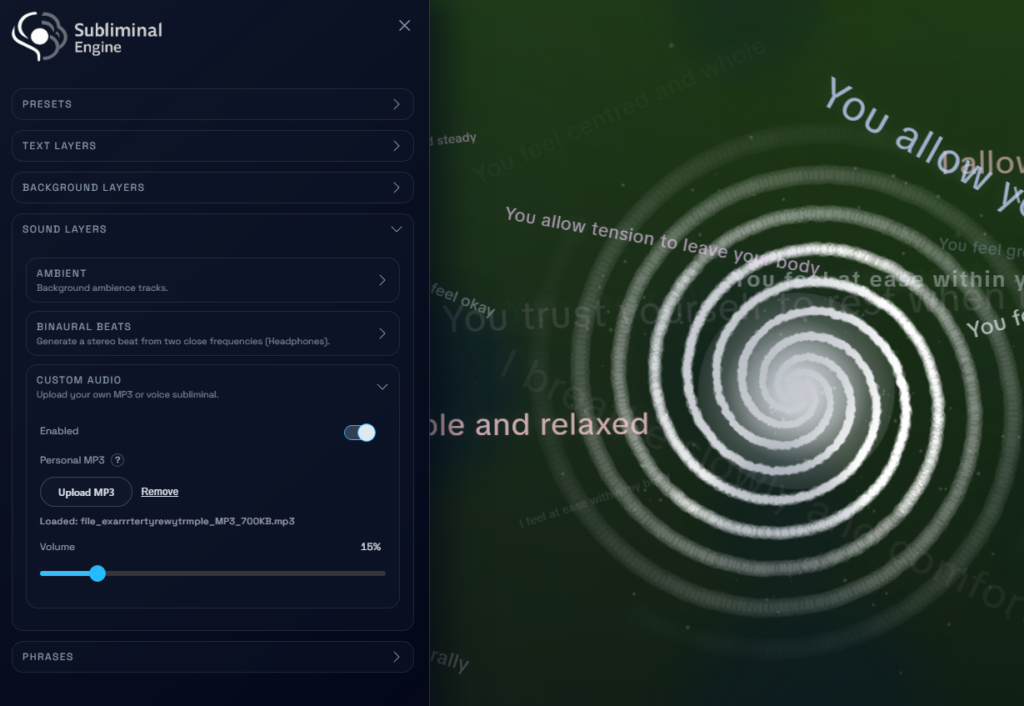
The new custom MP3 feature deserves its own mention because it solves one of the biggest frustrations people have with subliminals.
A lot of people want to use their own affirmations, their own voice, or audio they have already created elsewhere. Some want to turn text-to-speech into a subliminal track. Some already have old subliminals they still like. Some want to combine spoken affirmations with visual layers in a more intentional way.
Now you can do that directly inside Subliminal Engine.
That makes the app feel less like a player and more like a proper subliminal builder. You are not just consuming whatever someone else made. You are shaping the exact session you want to run.
Free vs Premium
The free version gives you plenty to work with. You get the main visual layers, text layers, ambient audio, built-in presets, and the ability to create sessions with a 5-minute session cap.
Premium unlocks unlimited sessions, Binaural Beats, Image Flash, Custom Audio upload, and import/export functionality. It is aimed at people who want the full experience and more freedom to build deeper, longer, more personalised sessions.
So whether you just want to test the concept or build a full custom setup, there is already a clear place to start.
Built From Real User Feedback
Subliminal Engine is not some throwaway tool thrown together and left to sit there. It is a passion project that keeps evolving.
A lot of the newer features have come directly from feedback from active users. People use it, suggest improvements, point out what they want next, and those ideas help shape where the app goes. That is a big part of why it keeps becoming more useful over time.
Rather than trying to be flashy for the sake of it, the aim has been to keep building features that actually make creating subliminals easier, better, and more flexible.
A Better Way to Build Your Own Subliminals
If you have ever felt limited by random subliminals online, frustrated by not knowing exactly what is in them, or tired of jumping between multiple tools just to build something personal, that is exactly the gap Subliminal Engine is trying to fill.
It gives you one place to build, customise, layer, test, and run your own sessions properly.
And if you want the full version, Premium is currently available for $29 lifetime access, discounted from $199.
That is not being pushed as some hard sales pitch. It is just the easiest way to unlock everything while the price is still heavily reduced, especially if you already know you want full control over your own subliminal setup.
Subliminal Engine is still growing, still being improved, and still being shaped by the people actually using it. If you want an all-in-one subliminal web app that lets you stop relying on others and start building your own sessions properly, that is exactly what it was made for.
Ready to try? – Start Using It now.